· Zammad 7.3 is here! This release introduces our first built-in MCP server, opening up new possibilities for AI-powered support and laying the groundwork for our upcoming Zammad AI Chat Assistant. And there's more: automated checklist templates, greater control over the dashboard, mobile push notifications, and ticket previews bring practical improvements to everyday support.
Want to see the new features in action? Join our release webinar or let Marcel—aka “That Helpdesk Guy”—walk you through the highlights in his latest video on YouTube.
Zammad 7.0 marked the beginning of our AI journey, bringing AI-powered ticket summaries, AI-agents for automatic categorization and prioritization, and an AI-powered writing assistant. With Zammad 7.3, we're taking the next step toward making AI an integral part of everyday support by introducing our built-in Model Context Protocol (MCP) server.
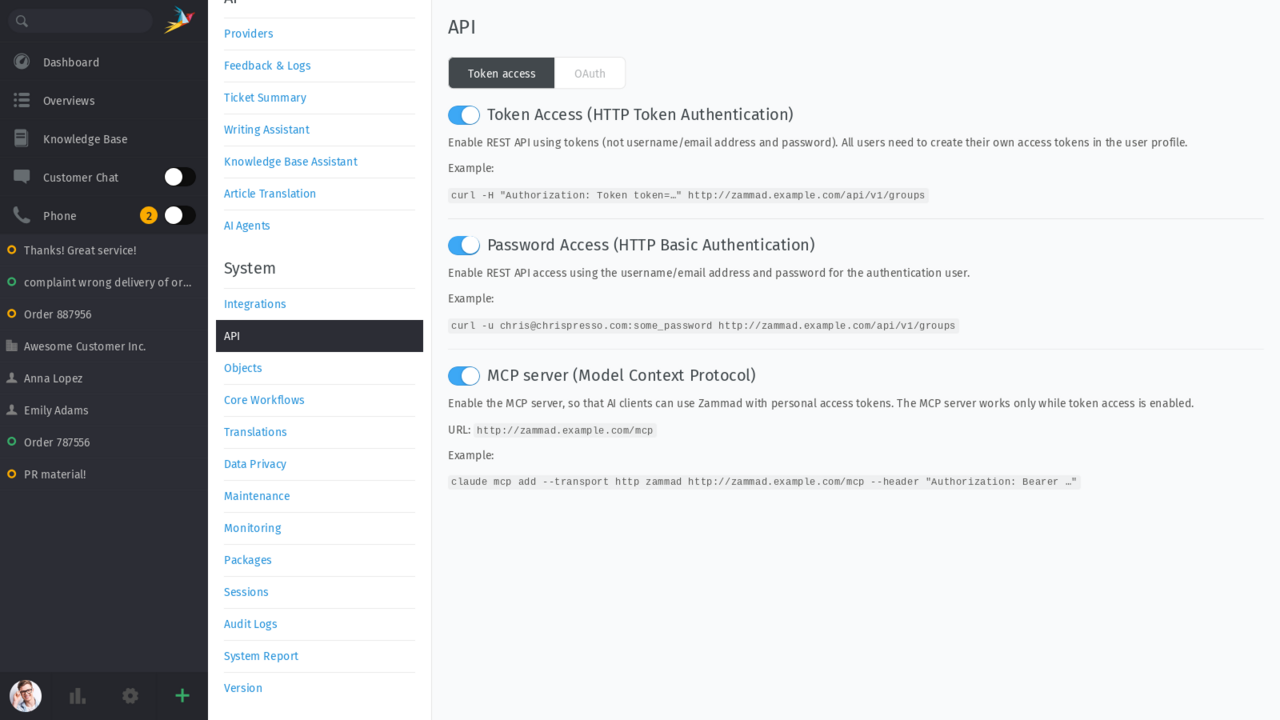
MCP is an open standard that connects AI applications with other systems. Built right into Zammad, our MCP server follows Zammad's existing permissions, so AI assistants can only access data and perform actions that the connected agent is permitted to.
What does that mean in practice? Rather than copying information back and forth between applications, AI assistants work directly with Zammad. They search tickets, look up knowledge base answers, retrieve customer information, and carry out authorized ticket actions.
Imagine asking your AI assistant:
"Which tickets were escalated today?" and getting an instant overview without digging through tickets and filters.
"Have we solved a similar issue before?" and receiving an answer in seconds.
When connected with other tools, the possibilities expand further. Ask:
"Turn this bug report into a GitHub issue." and have the relevant details passed directly to your development team.
"Summarize our support activity and share it in Slack." and have key updates delivered straight to your team's channel.
And this is just the beginning! The MCP server is also a key building block for an AI chat assistant that will be integrated into Zammad. While Zammad's current AI features assist with individual tickets, the chat assistant will incorporate conversational AI into the agent interface, helping agents find information, understand context, and take action without leaving their Zammad workspace.
The MCP server is disabled by default. Admins decide whether to enable it, and agents connect using a personal access token from their profile.
Some tasks require the same steps every single time. Whether you're onboarding a new employee, processing an access request or handling a recurring IT issue, checklists make sure nothing gets overlooked. However, adding them manually every time is another repetitive task your team shouldn't have to worry about.
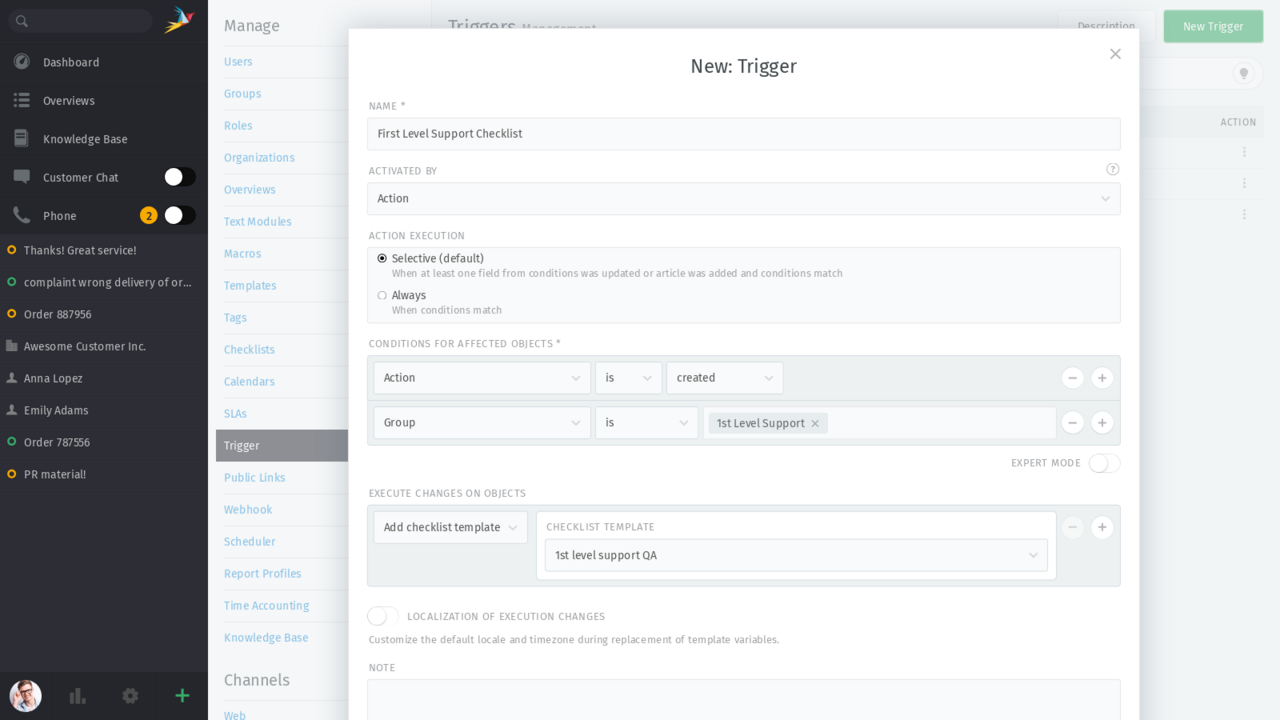
With Zammad 7.3, checklist templates can be applied automatically via triggers, macros and the scheduler. For example, when a new onboarding request comes in, Zammad adds a checklist with all the necessary steps, from setting up accounts to preparing equipment.
Not every organization wants individual agent activities to be visible to the whole team. Whether it's about data protection, internal policies or works council requirements, you should be in control of what is displayed.
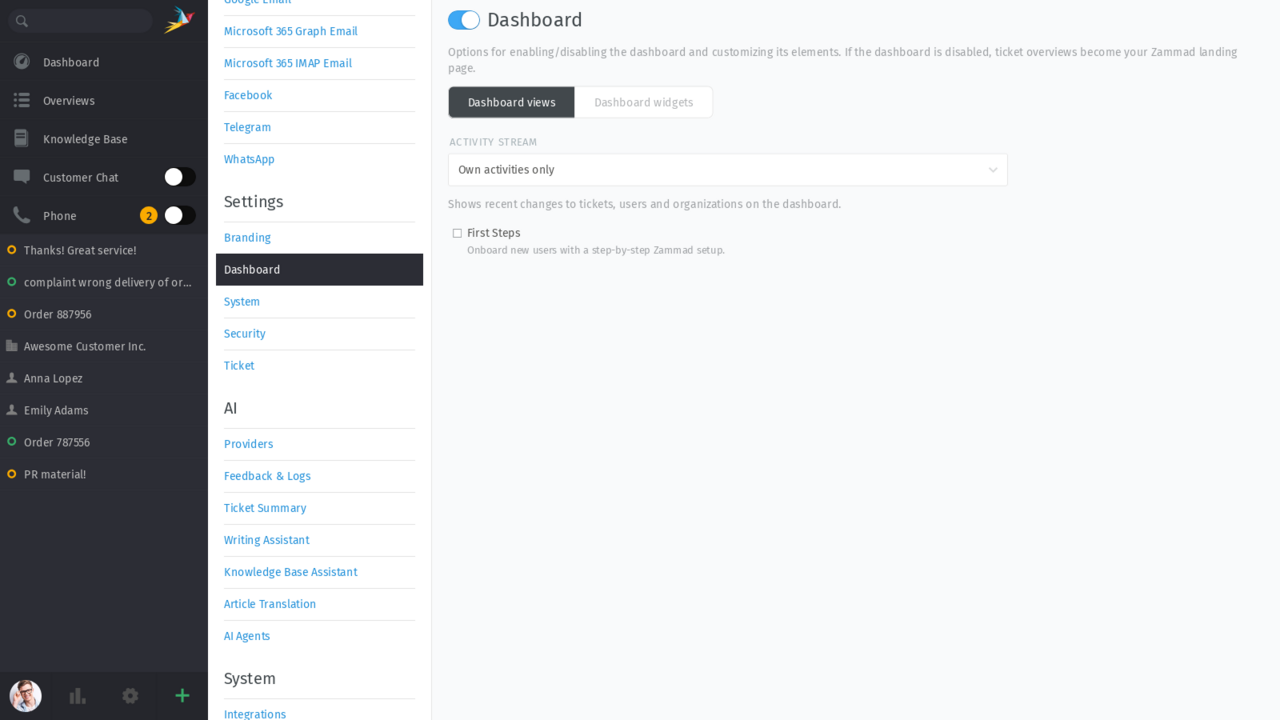
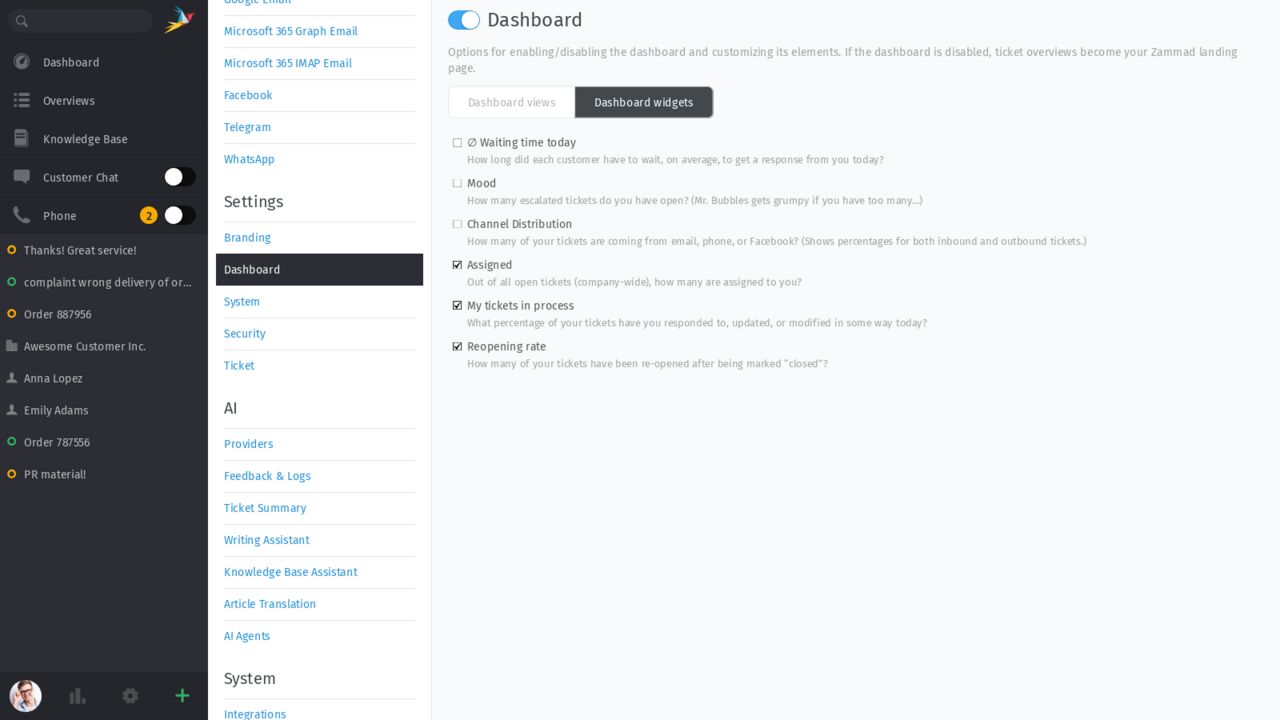
With Zammad 7.3, admins can turn off the activity stream or the entire dashboard. This feature supports data minimization and helps address concerns about employee monitoring.
And for teams that simply prefer to work from their ticket overviews: with the dashboard turned off, agents land directly in their overviews after login.
Support doesn't always happen at your desk. With Zammad 7.3, staying up to date and get things done on the go gets even easier.
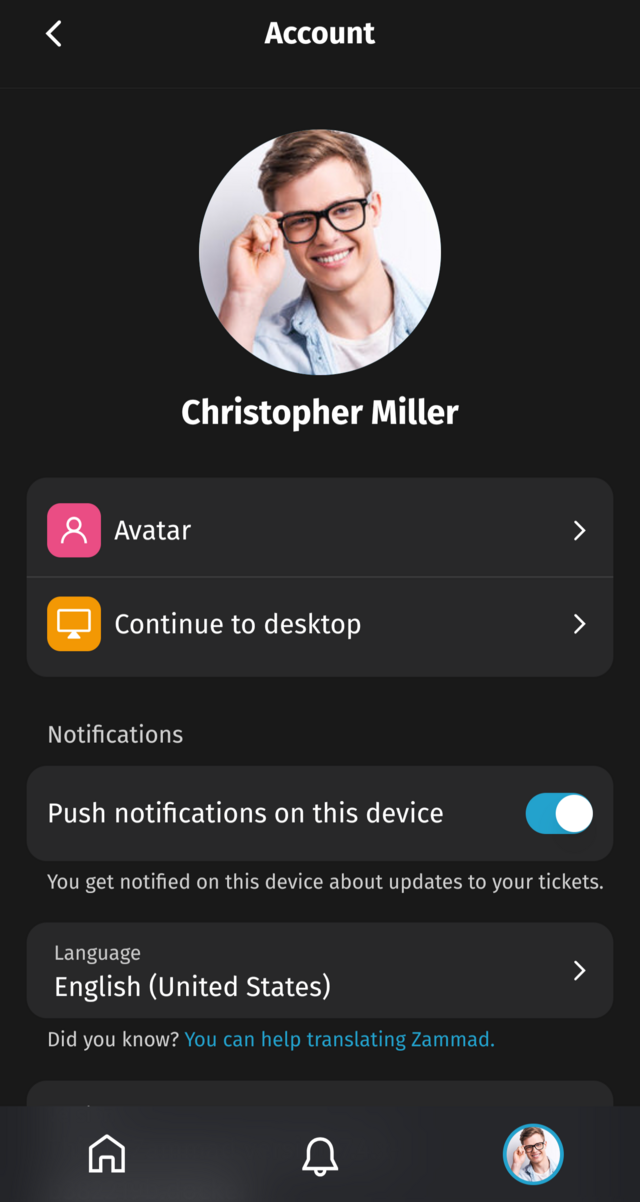
Stay informed with push notifications: When you use Zammad as a progressive web app (PWA), you now receive notifications about ticket updates and assignments, even when the app is closed. Tap a notification to jump straight to the ticket. Push notifications are available on supported Android and iOS devices.
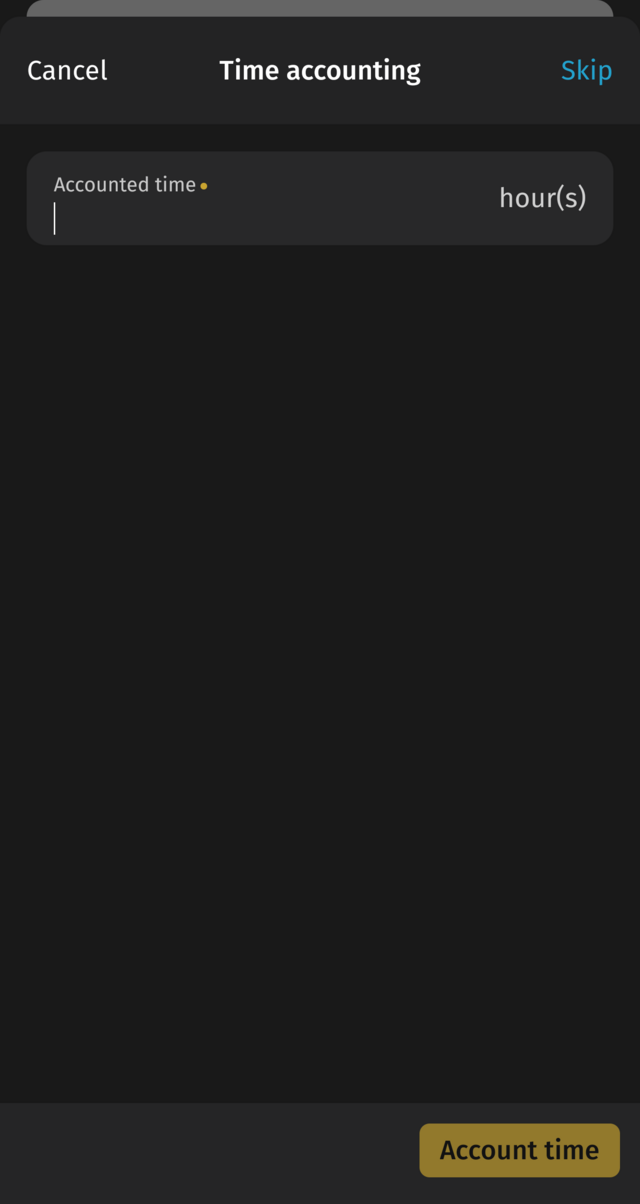
Track your time, wherever you work: Time accounting now works in the mobile view, too. When updating a ticket, you will be prompted to record your work time according to your organization's time accounting rules, just as you would on a desktop computer.
At our 10th anniversary celebration in Berlin, we asked our community which feature they'd most like to see next. The winner? Ticket previews in overviews!
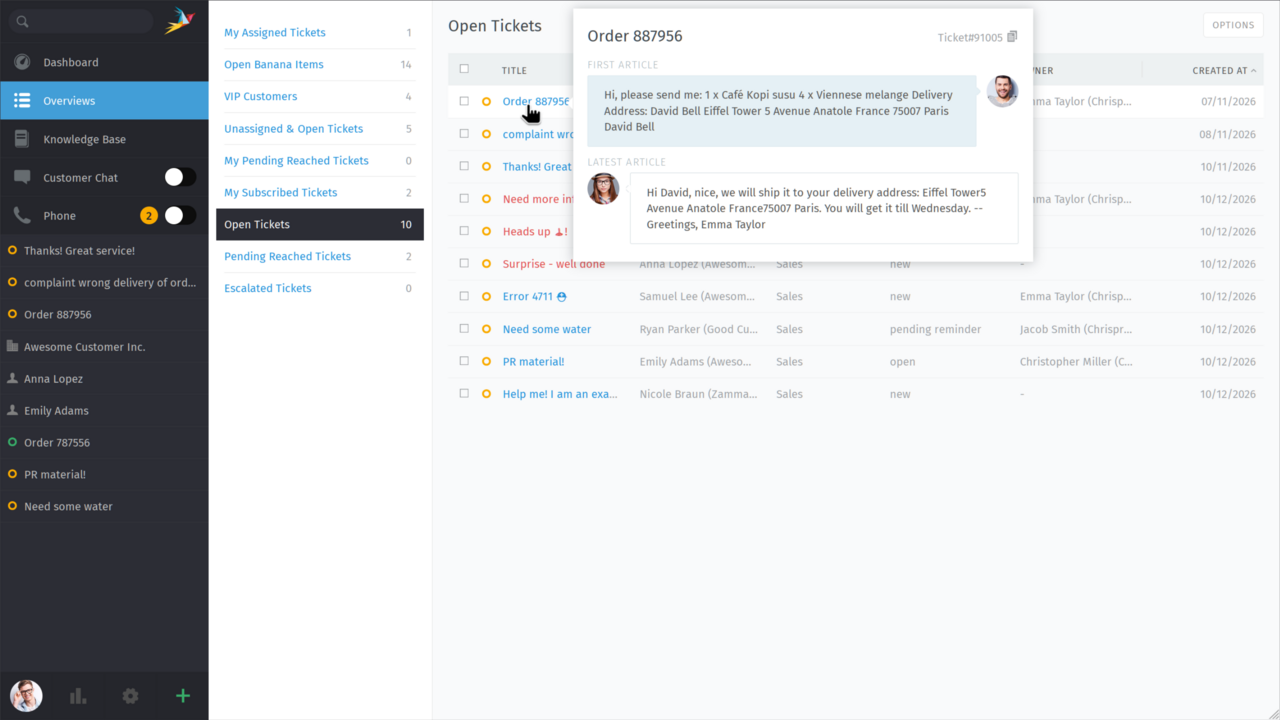
With this feature, agents can see what a ticket is about without opening it. Simply hover over a ticket in an overview to preview its first and latest messages, so you understand the request and catch up on recent activity at a glance.
There's more: if an AI-generated ticket summary is available, the preview also shows the customer's intent and, if enabled, their sentiment. Open checklists are visible too, with direct access to the checklist.
Whether you're deciding which ticket to tackle next or checking on escalated requests, you get the context you need without opening tab after tab.
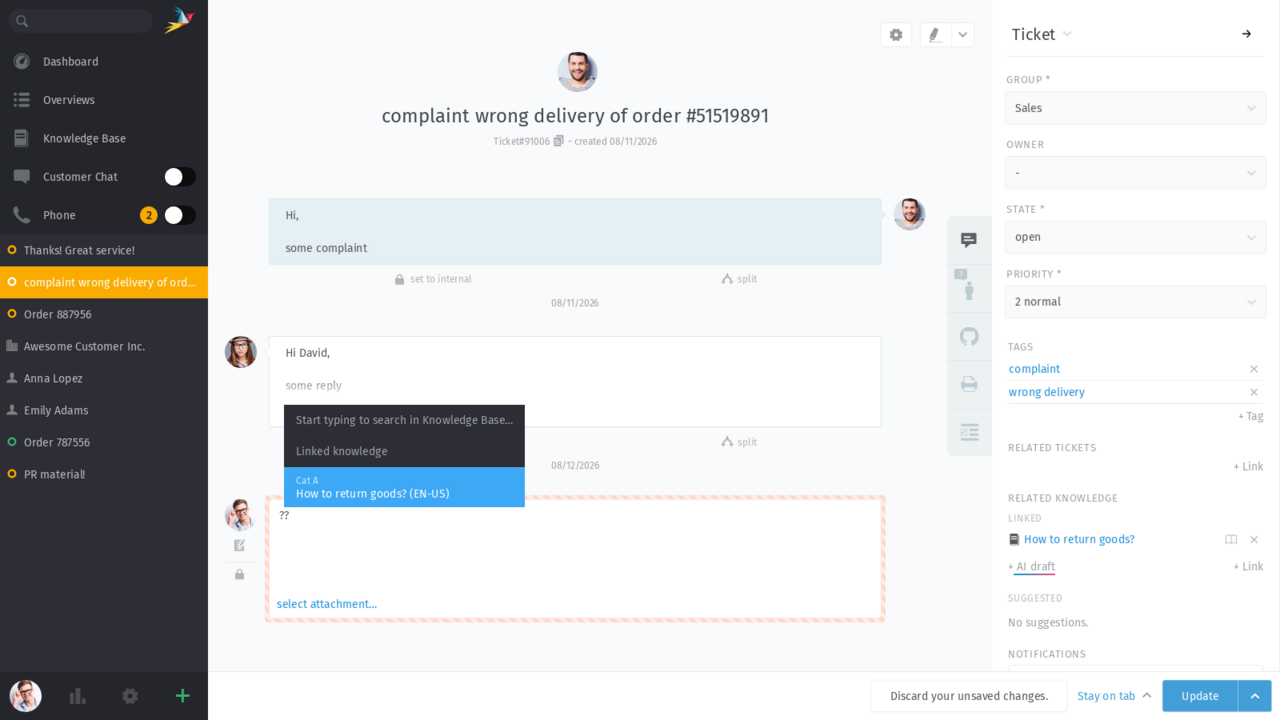
The ?? keyboard shortcut has also been improved: it now shows the answers linked to or suggested for the ticket right away, even before you type a search term.