
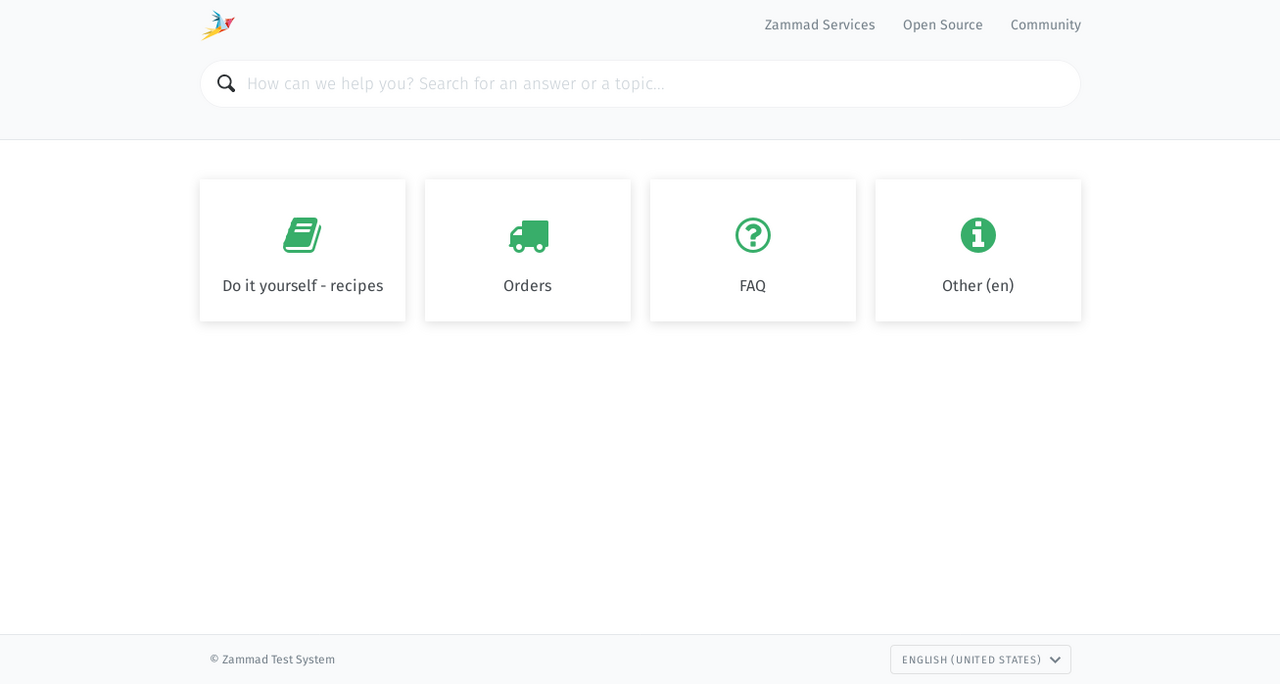
Tired of always answering the same questions? Publish your own library of FAQs, how-tos, internal SOPs, and more with the knowledge base.
Features:
With your knowledge base, there comes a variety of sweet extra features:
- Multi-language support
- Visibility settings (draft, staff-only, or public)
- Category-based editing rights
- Full-text search
- Scheduled publishing
- File attachments
- Wiki-style internal linking to both knowledge base answers and tickets
- Rich text editor and embedded images
The knowledge base can only be set up by an Admin user. Also, only admins can create, edit, and manage knowledge base articles.
Setup
The Setup is very easy
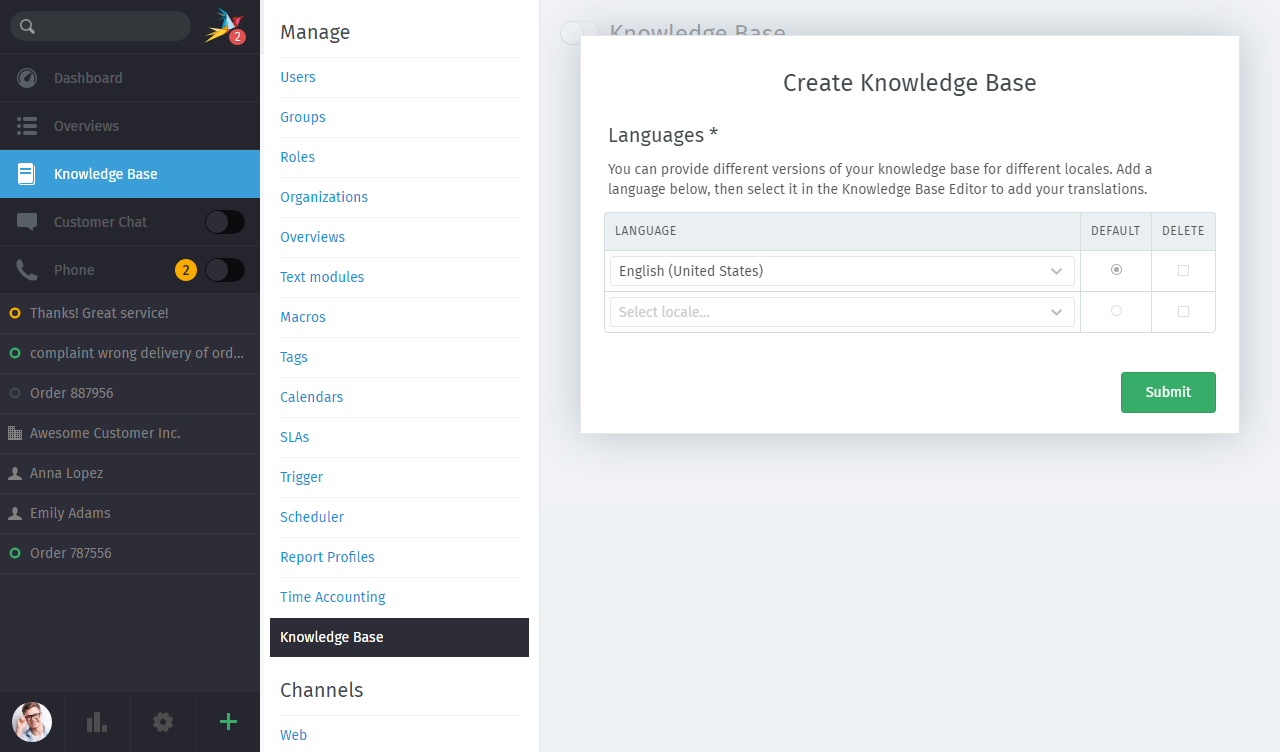
- First, select the languages your knowledge base should support
- Then, choose a theme and select your colors and icons
- Define your public menu and the categories
You can find a step-by-step guide in.... nope, not our knowledge base but our Admin documentation.
User Rights
By default, agents are not permitted to create, edit, or manage knowledge base articles. However, administrators can grant the corresponding permissions. As of Zammad version 5.1, permission to write and edit articles can also be issued based on categories, meaning that certain users can only edit the content of certain knowledge base categories. This allows you to fully benefit from your team members' expertise while still keeping control.
Once everything is set up, you can create and edit articles as you wish. You can also define whether an article should be publicly visible or is just meant for internal use. Find a detailed explanation in the Agent documentation.
Happy writing!