
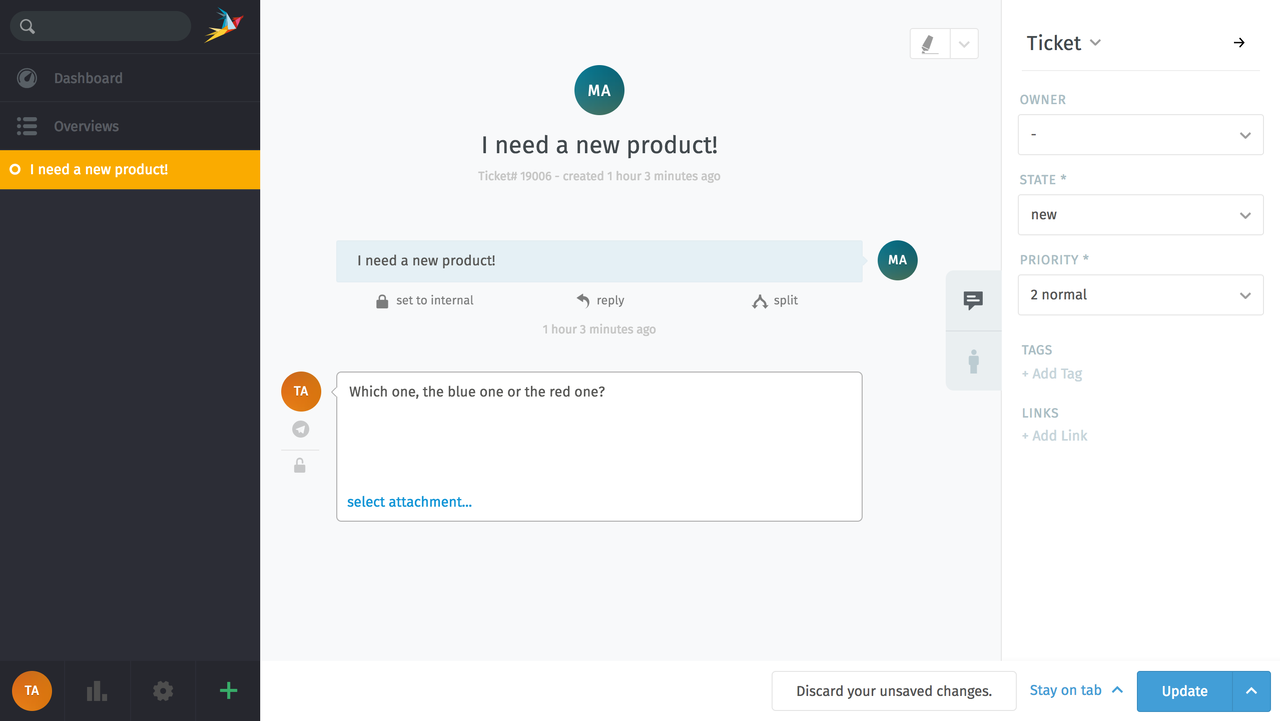
Make it as easy as possible for your customers to contact you! By integrating Telegram to Zammad they can send you a message at the touch of a button - and you can reply directly from your helpdesk.
Setup
To integrate Telegram to Zammad, you need to follow these steps:
- Register a Telegram bot app
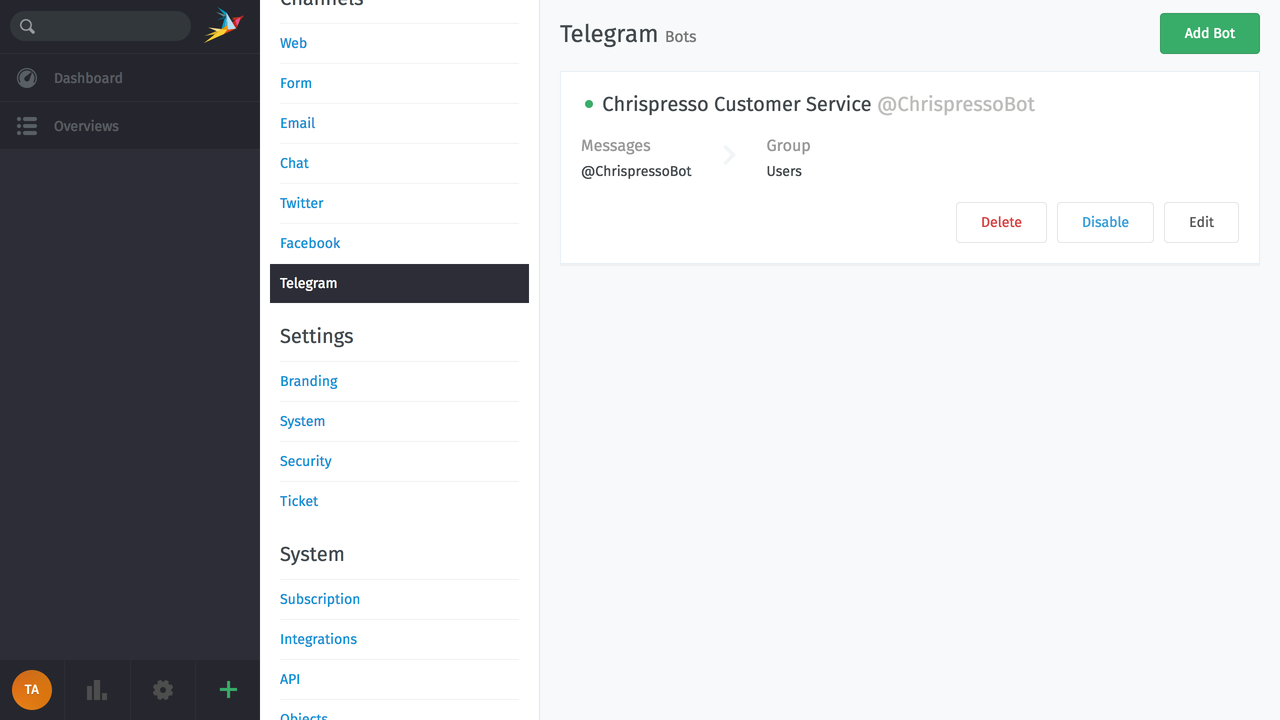
- Configure Zammad as Telegram bot
- Start using your new channel
Need more help? Check our detailed Admin documentation for a step-by-step guide.
Once you're done, every time you receive a Telegram message it will automatically appear as a ticket.
Note
Your Zammad instance needs to be publicly available via HTTPS (we use Telegram WebHooks). Also, Zammad cannot receive file attachments larger than 20MB in Telegram messages.